SnapKeep photo cleaner app icon
Photo Cleaner for iPhone & iPad

Delete Duplicate Photos & Free Up iPhone Storage — by Swiping

SnapKeep helps you swipe through thousands of photos and videos in minutes, delete duplicates, blurry shots, and screenshots, and reclaim gigabytes — while keeping the memories that matter. 100% on-device. Nothing is ever uploaded.

 Download on the App Store — Free
✓ No ads✓ No account needed✓ 100% private & on-device✓ Free to start

See SnapKeep in Action

A friendlier way to clean your camera roll — see how much space you can free before you even start.

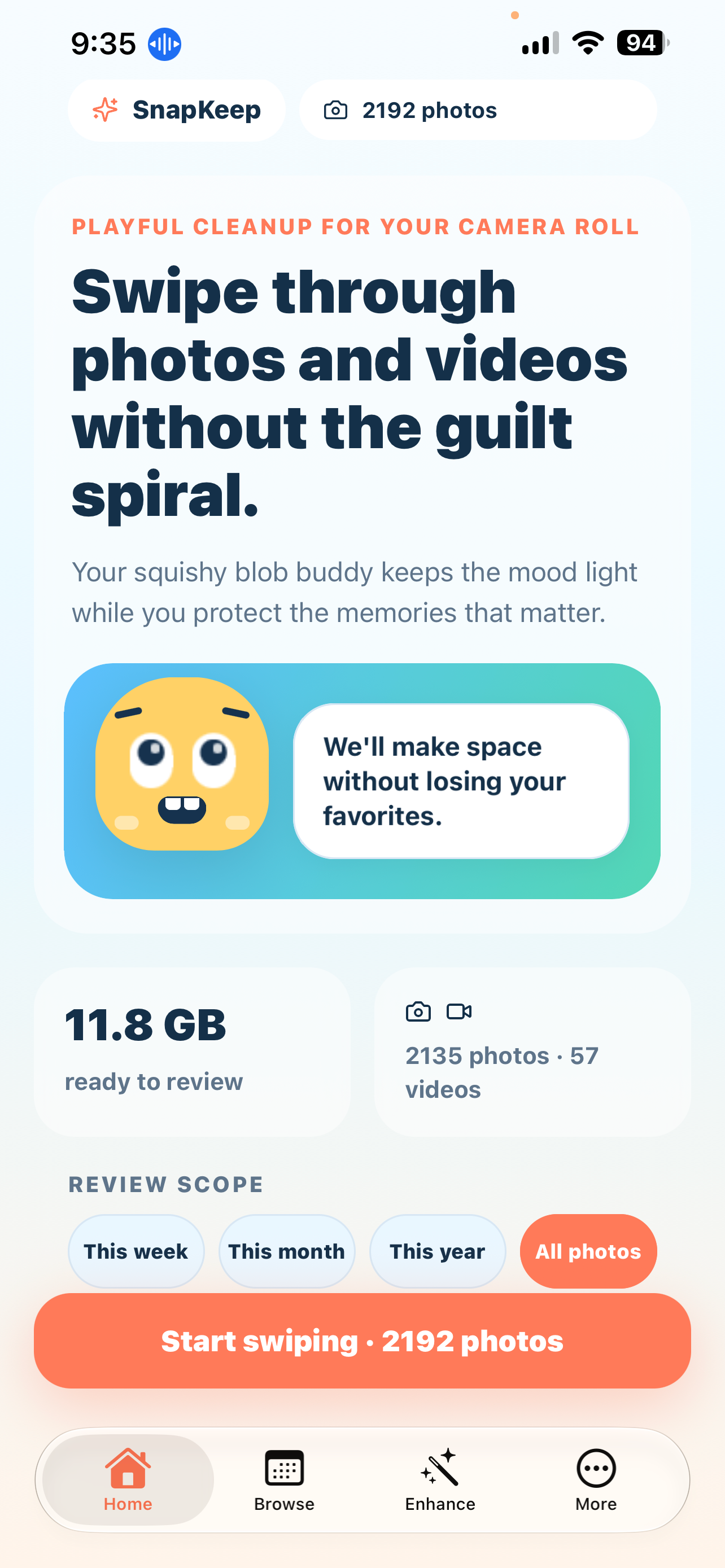
SnapKeep home screen showing gigabytes of iPhone storage ready to clean

See your wins — “11.8 GB ready to review” at a glance

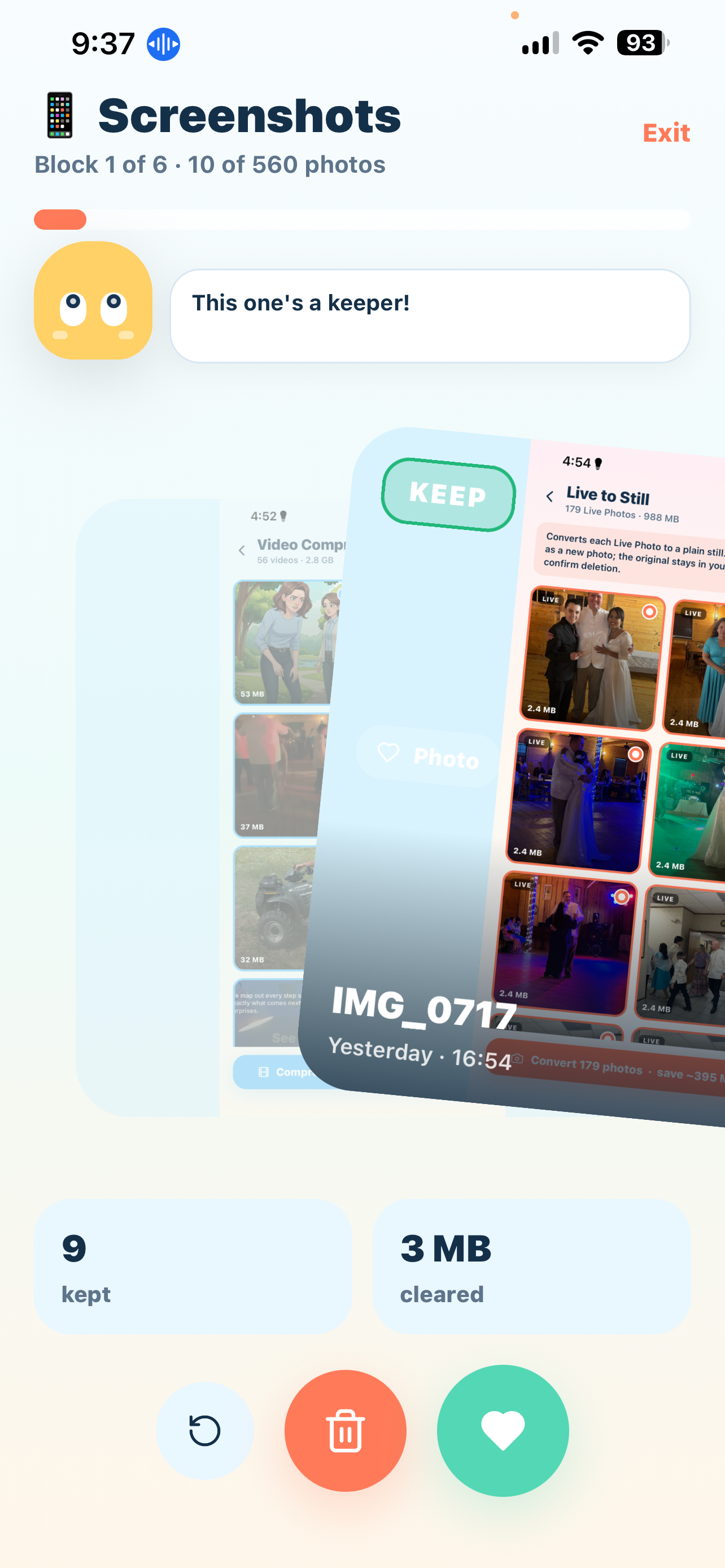
Swipe left to delete photos, swipe right to keep them

Swipe, don’t scroll — keep the good, clear the clutter

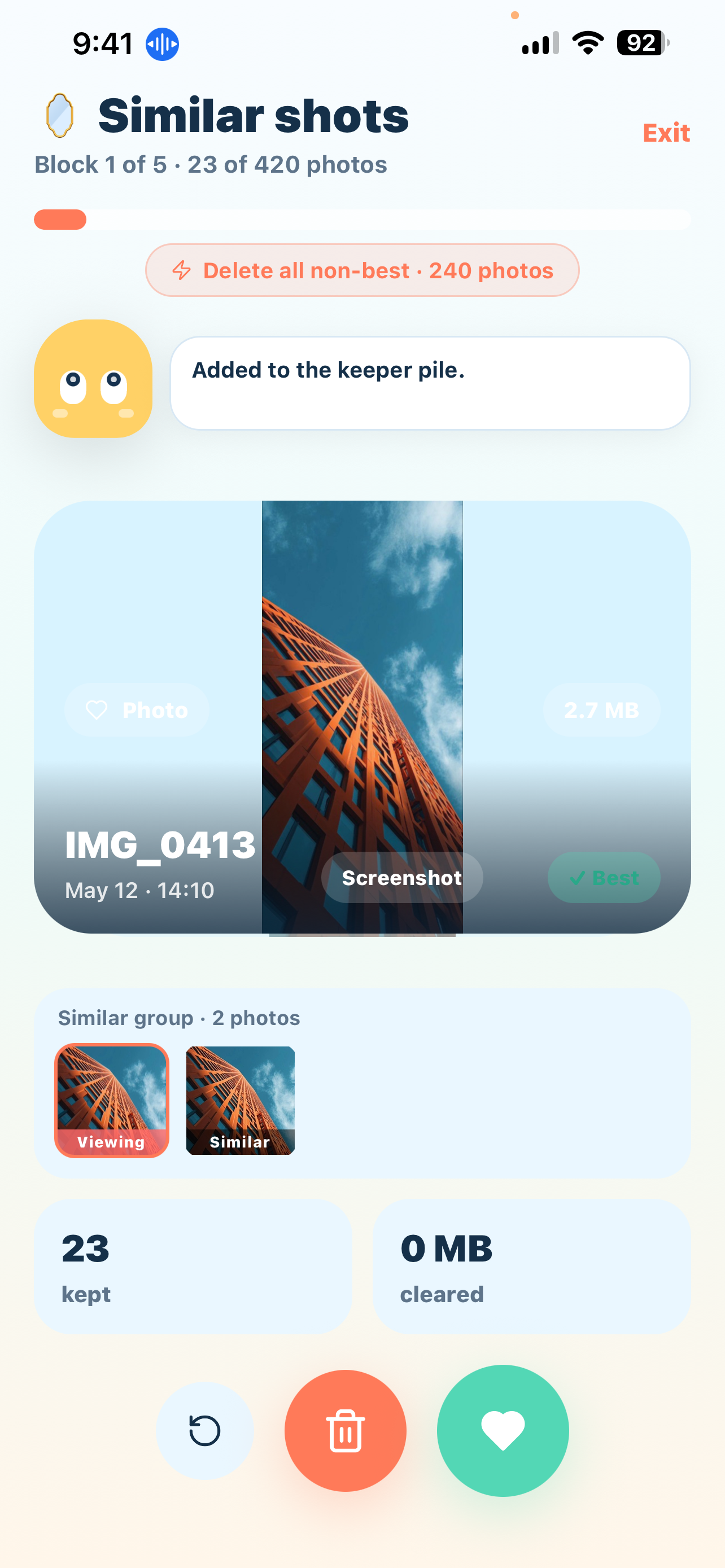
SnapKeep grouping similar and duplicate photos automatically

Duplicates & similar shots grouped, best one marked to keep

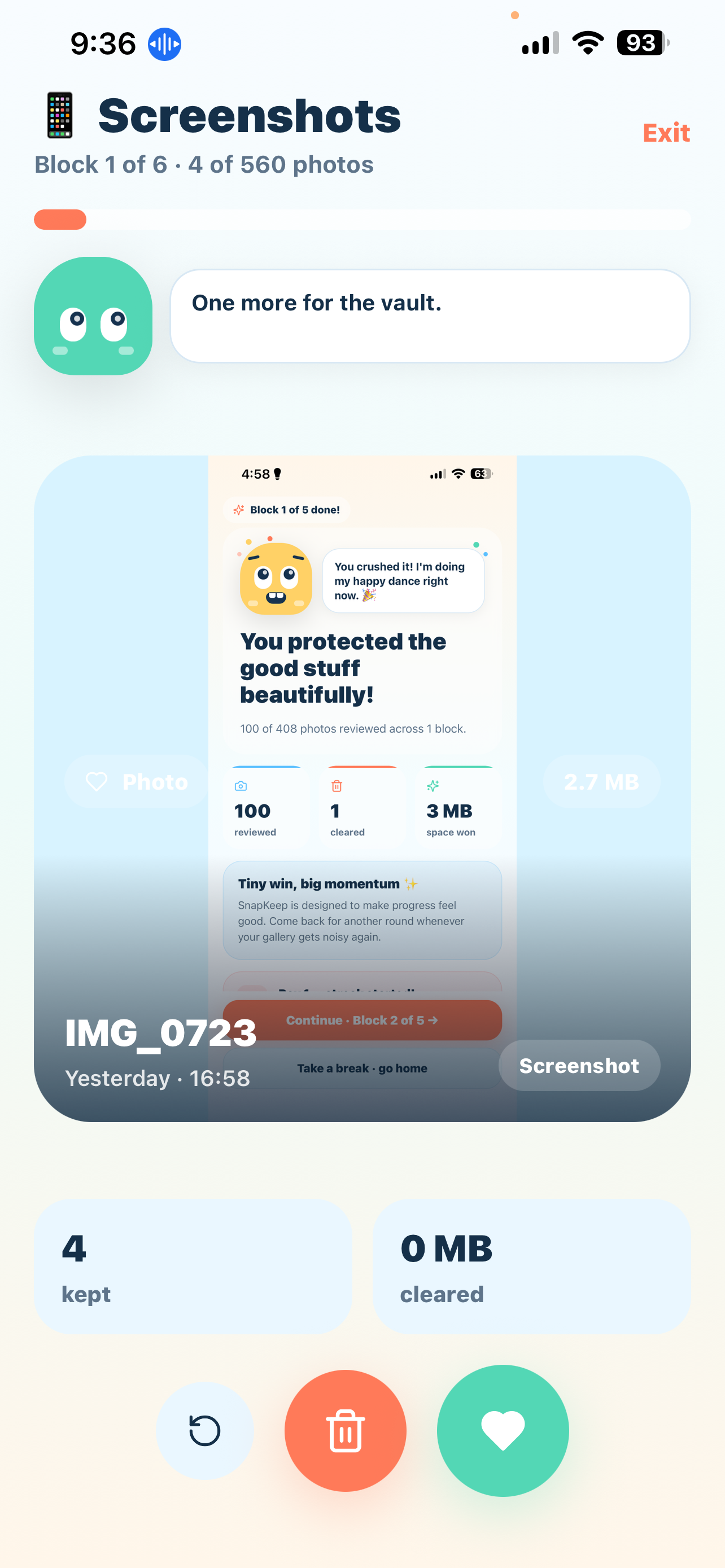
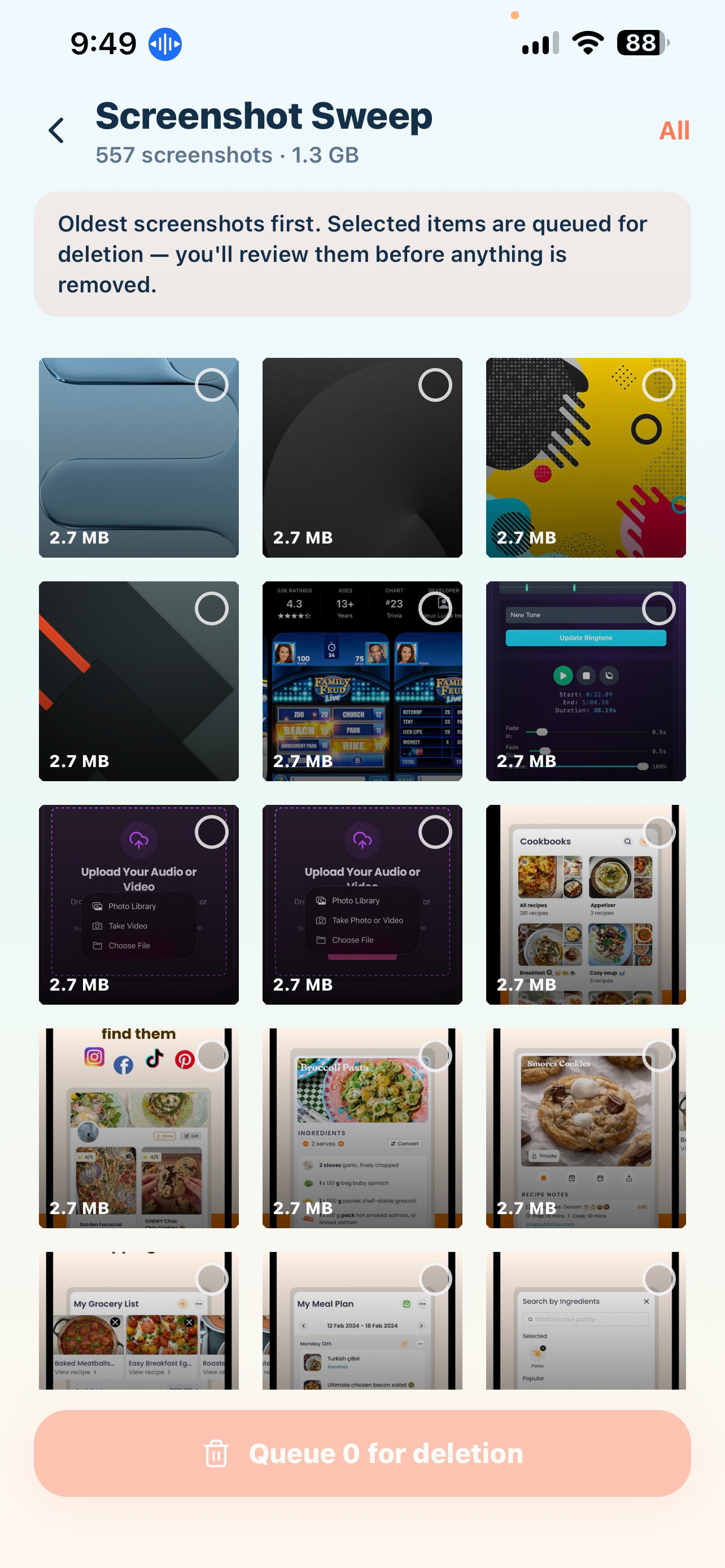
Bulk delete old screenshots on iPhone with SnapKeep

Clear out old screenshots in one pass

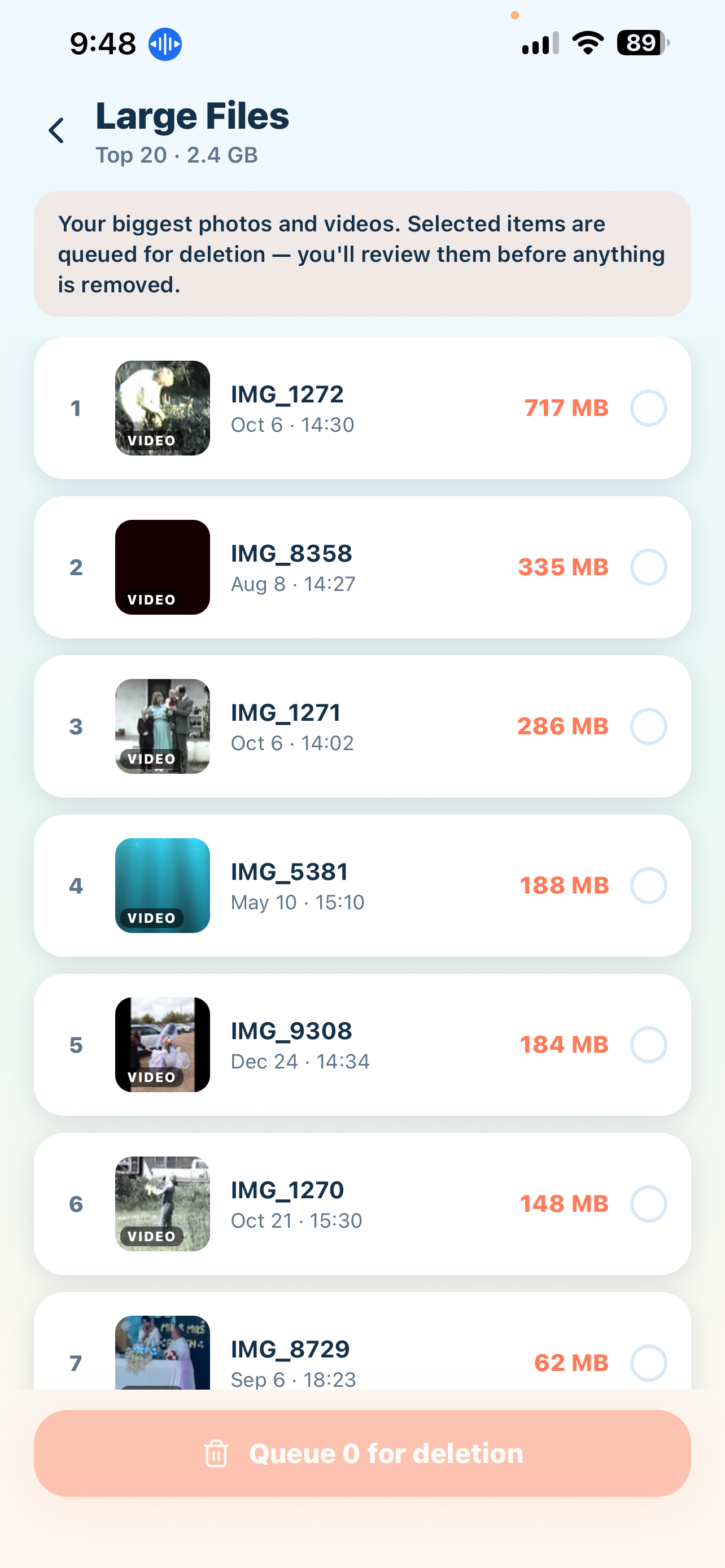
Find large videos and files taking up iPhone storage

Find the large videos eating your storage

Fast sweep cleanup session in SnapKeep photo cleaner

Quick sweeps make cleanup a daily habit, not a chore

How It Works

From “storage almost full” to gigabytes free in three steps.

1

Smart scan, on your device

SnapKeep scans your library and auto-groups duplicates, similar bursts, blurry photos, screenshots, and large videos — and marks the best shot in each group to keep. Nothing leaves your phone.

2

Swipe to decide

Review one photo at a time: swipe left to delete, right to keep. Clear thousands of photos in minutes with no second-guessing, and build a cleanup streak as you go.

3

Reclaim gigabytes

Watch storage free up in real time. Go further with Pro: compress large videos and convert Live Photos to stills to recover even more space.

Guides

Step-by-step answers to the most common iPhone photo and storage problems.

How to Delete Duplicate Photos on iPhone

Find and remove exact duplicates and near-identical shots — automatically, without hours of manual comparing.

Read the guide →

iPhone Storage Full? How to Free Up Space

Why storage stays full even after deleting photos — and the fastest way to actually get gigabytes back.

Read the guide →

Swipe to Delete Photos: Clean Your Camera Roll Fast

Why swipe-style cleanup beats the Photos app for big libraries, and how to clear thousands of photos in one sitting.

Read the guide →

Delete Blurry Photos & Screenshots on iPhone

Screenshots and blurry shots quietly eat gigabytes. Here’s how to find and clear them all at once.

Read the guide →

Frequently Asked Questions

Everything people ask before cleaning up their camera roll with SnapKeep.

How do I delete duplicate photos on my iPhone?

SnapKeep scans your library on-device, auto-groups exact duplicates and near-identical similar shots, and marks the best one to keep. Review each group, confirm, and delete the rest in one tap. Learn more →

Why is my iPhone storage still full after deleting photos?

Deleted photos sit in the Recently Deleted album for 30 days and still count against your storage. SnapKeep shows you exactly how much space you’ve actually reclaimed after each session. Learn more →

Is SnapKeep free?

Yes — free to download and start cleaning, with no ads. Pro features like video compression and Live Photo conversion are available for $3.99/week or $29.99/year, with your whole library included. Learn more →

Does SnapKeep upload my photos to the cloud?

Never. SnapKeep runs 100% on-device — no account, no cloud, no tracking. Apple’s privacy label lists it as “Data Not Collected.” Learn more →

Can SnapKeep find blurry photos and screenshots automatically?

Yes. Smart detection sorts blurry photos, screenshots, duplicates, and similar bursts into ready-to-review stacks before you even start swiping. Learn more →

How is swiping faster than deleting in the Photos app?

Instead of tap-select-delete for every photo, you make one decision per photo: swipe left to delete, right to keep. Most people clear thousands of photos in minutes. Learn more →

Snap. Keep. Done.

Free up gigabytes today — free to start, no ads, and your photos never leave your phone.

 Get SnapKeep Free